Phosphor, the Valence client
The reference app for Valence machines, with a funscript player, Buttplug.io support, plugins and a built-in emulated machine.
One Svelte 5 app, delivered as a Tauri 2 desktop and mobile app and as a page a hub can serve from its own flash. It builds its pages from the catalog the machine sends, so it needs no machine-specific code.

Status
Pre-release builds are on Downloads. Features marked WIP are not finished.
Features

Your Dash, your layout
The Dash is a grid you arrange. In edit mode you place, move, resize and delete controls from a palette, and save the result as a named layout.
A control can narrow the machine's range but never widen it, so a Dash cannot ask for more than the machine allows.
Controls and layouts
A control is one catalog field plus one way to show it: a writable field can be a knob, slider, stepper, segmented control or toggle, and a read-only field can be a number, bar, bulb, graph or large numeral.
Layouts are stored on the device you made them on. They do not sync.

Funscript player
Plays a video next to its funscript and drives the rail from it. Video comes from a file or from a Stash server you point it at.
It sends movement up to 100 ms short of the horizon the machine grants: 900 ms ahead at a 1000 ms horizon, so a shorter Wi-Fi stall doesn't reach the stroke.

Node editor
Wire fields, math nodes and Buttplug outputs into chains with decimal, whole-number and true/false connectors.
Where a chain runs
A single hub map between a source field and an accessory field is stored on the hub and keeps running if Phosphor closes. Every other chain runs in Phosphor, 20 times a second, only while Phosphor is open, and stops on Pause or E-Stop.

Plugins
A plugin is one JavaScript module and a manifest.json. It reads the catalog and writes through the same path every built-in control uses, so a plugin write gets the same pending, echo and fault states.
Phosphor ships five: the Advanced pattern card (a port of fray-d's OSSM-Lite), the funscript player, a quick-access tray, a Wi-Fi picker and a set of three small games.
What a plugin can and can't do
A plugin cannot open its own connection to the machine or keep a session. The plugin API is at version 1 and not frozen yet.
A plugin runs with the page's full authority. The manifest lists what it intends to do and the Plugins pane shows it, but nothing enforces that list. Install plugins only from sources you would trust with a program.
The hub-served page loads no plugins.
Themes
There are 20 themes, from the default Phosphor theme to Luna, Mica, Liquid Glass, Material, Blueprint and P1 Terminal. The default theme has 12 color presets. A theme restyles the window frame, controls, type and icons. The stop pair, the safety edge and the warning states look the same in every theme.
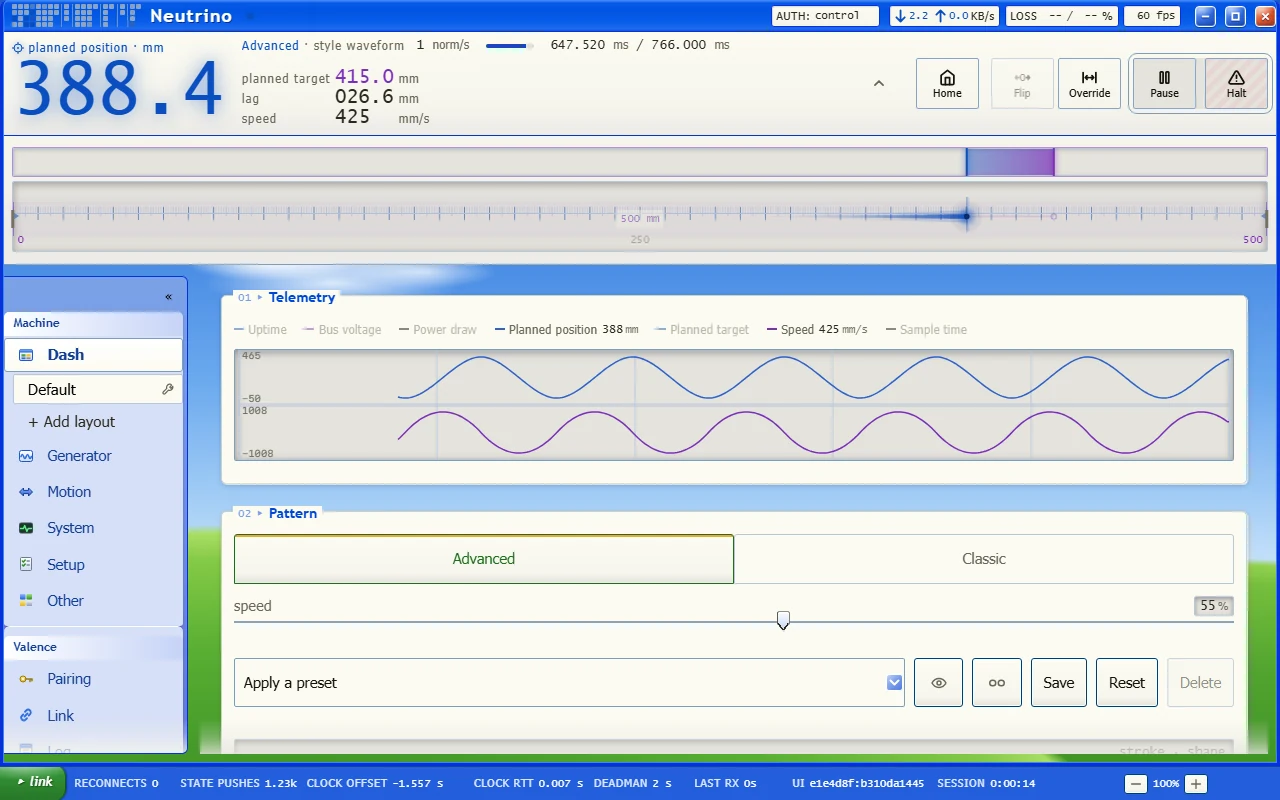
Luna 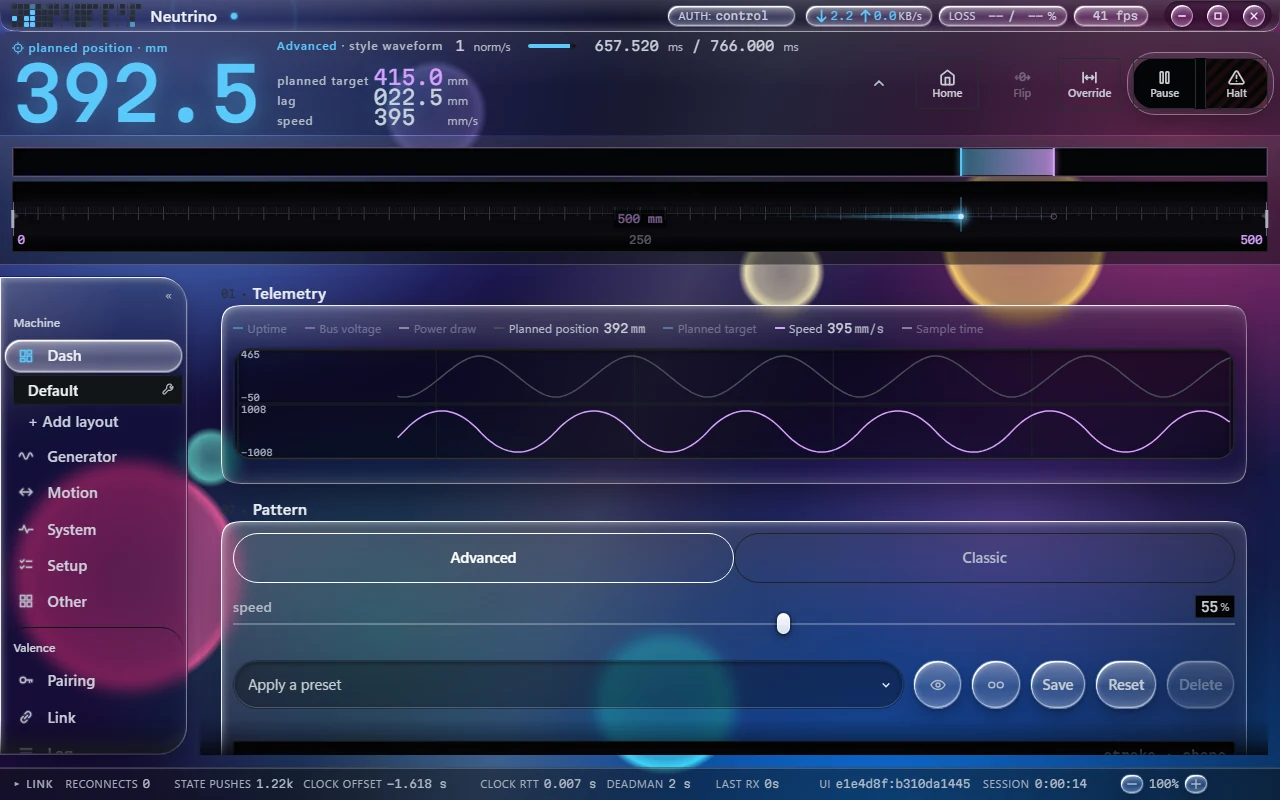
Liquid Glass 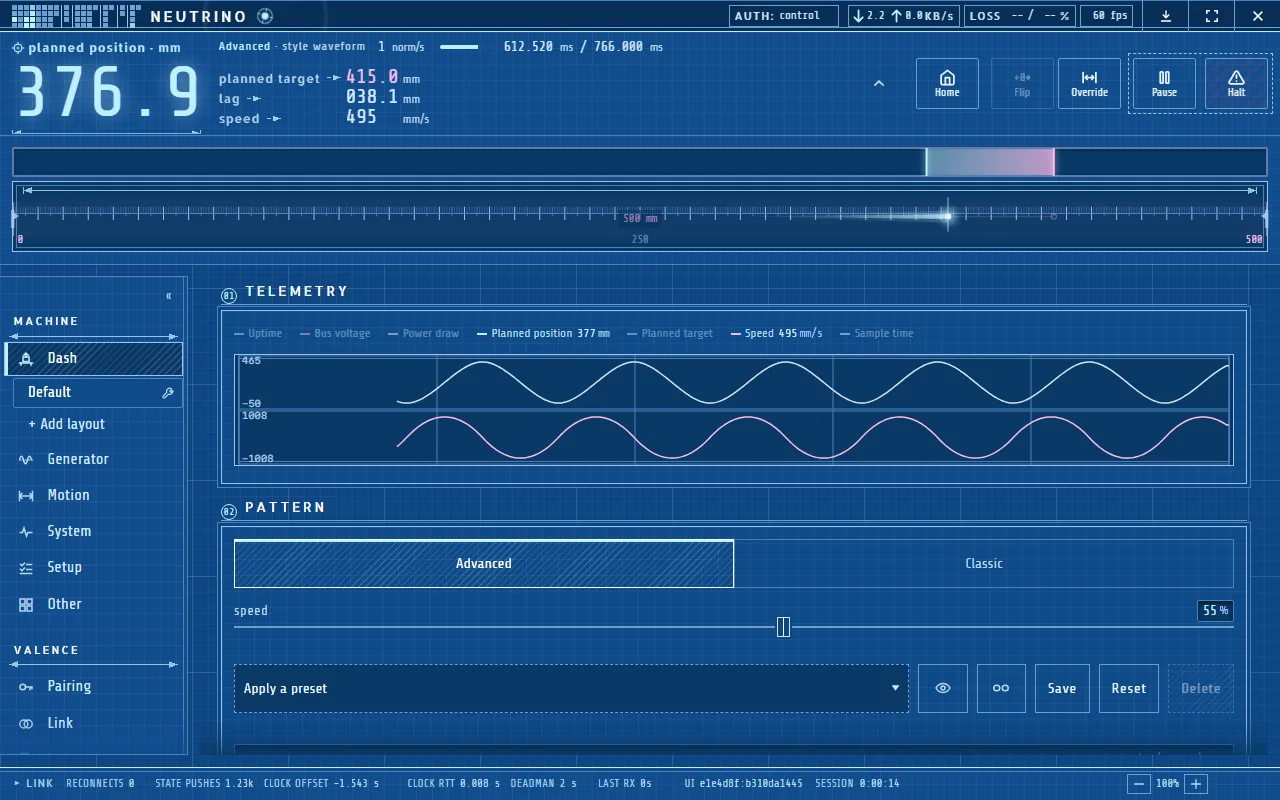
Blueprint 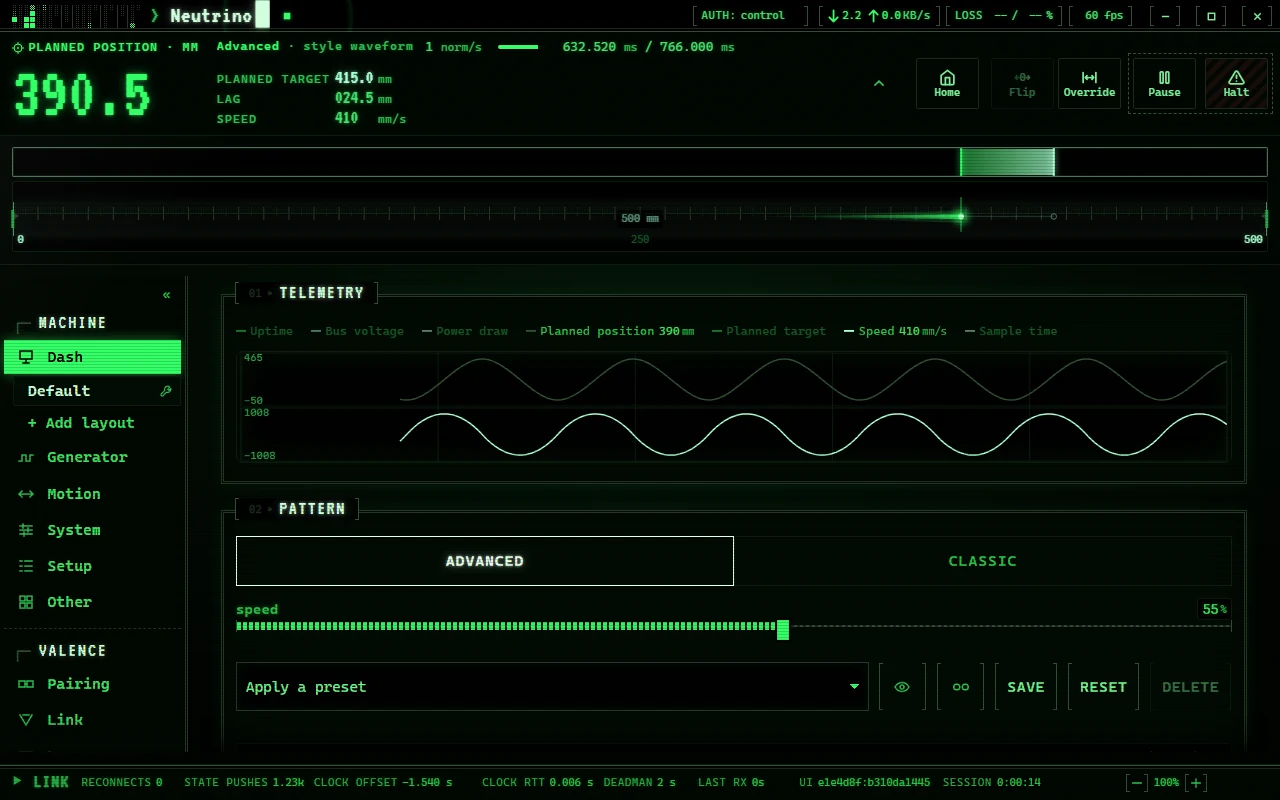
P1 Terminal 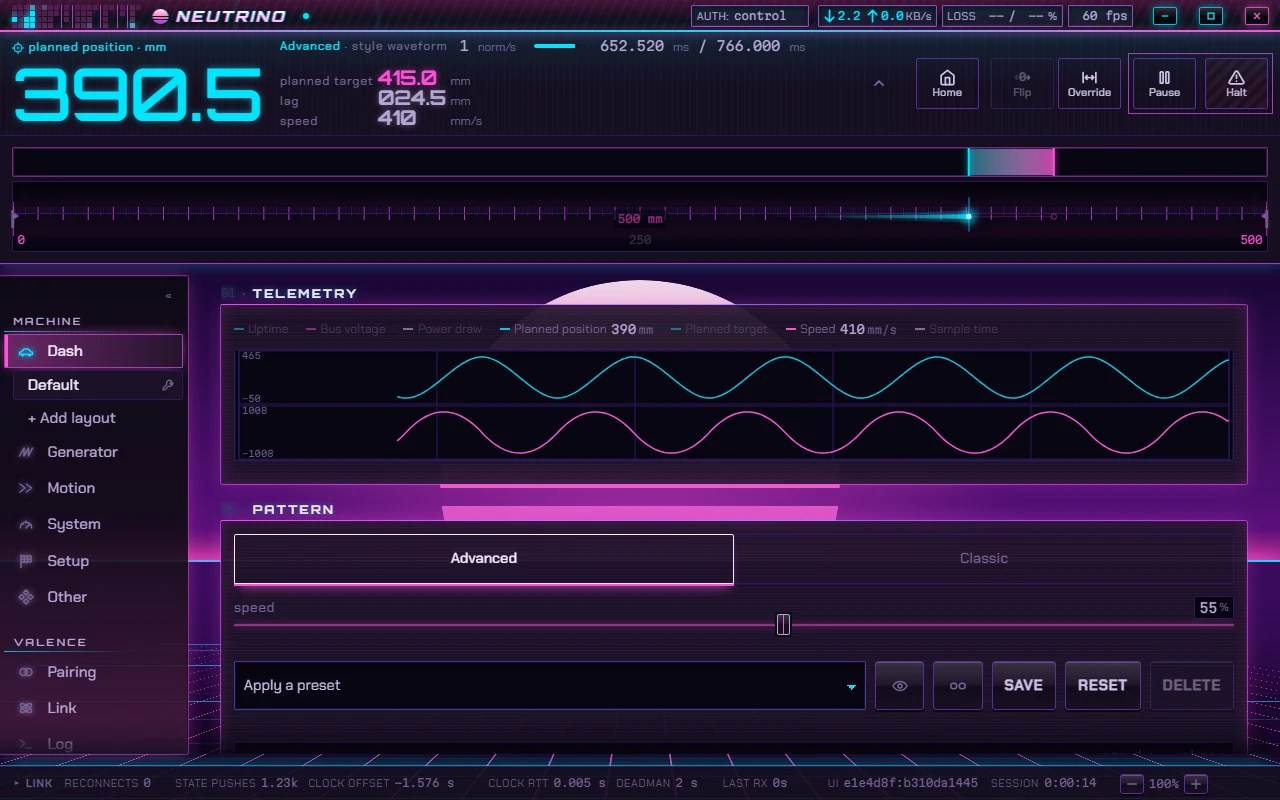
Outrun 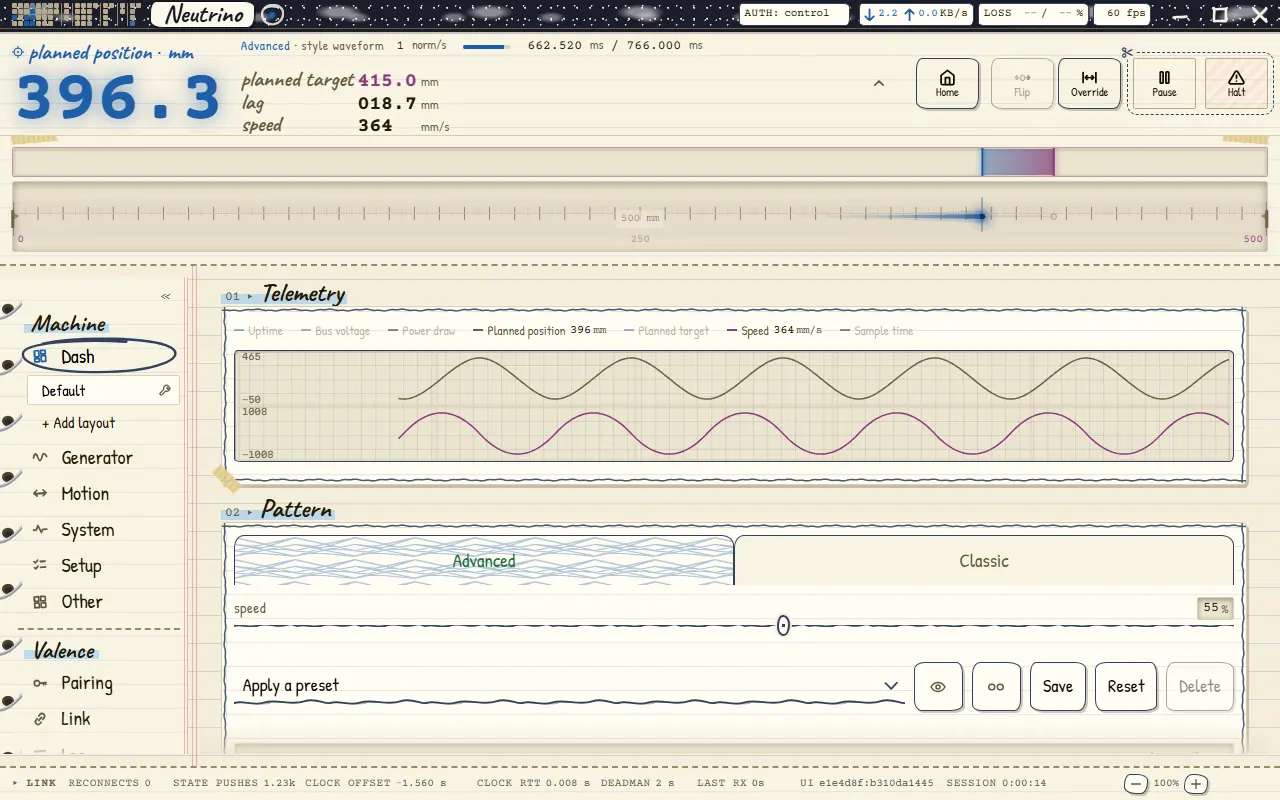
Notebook
Six of the 20 themes. Scroll or swipe the row.
More features
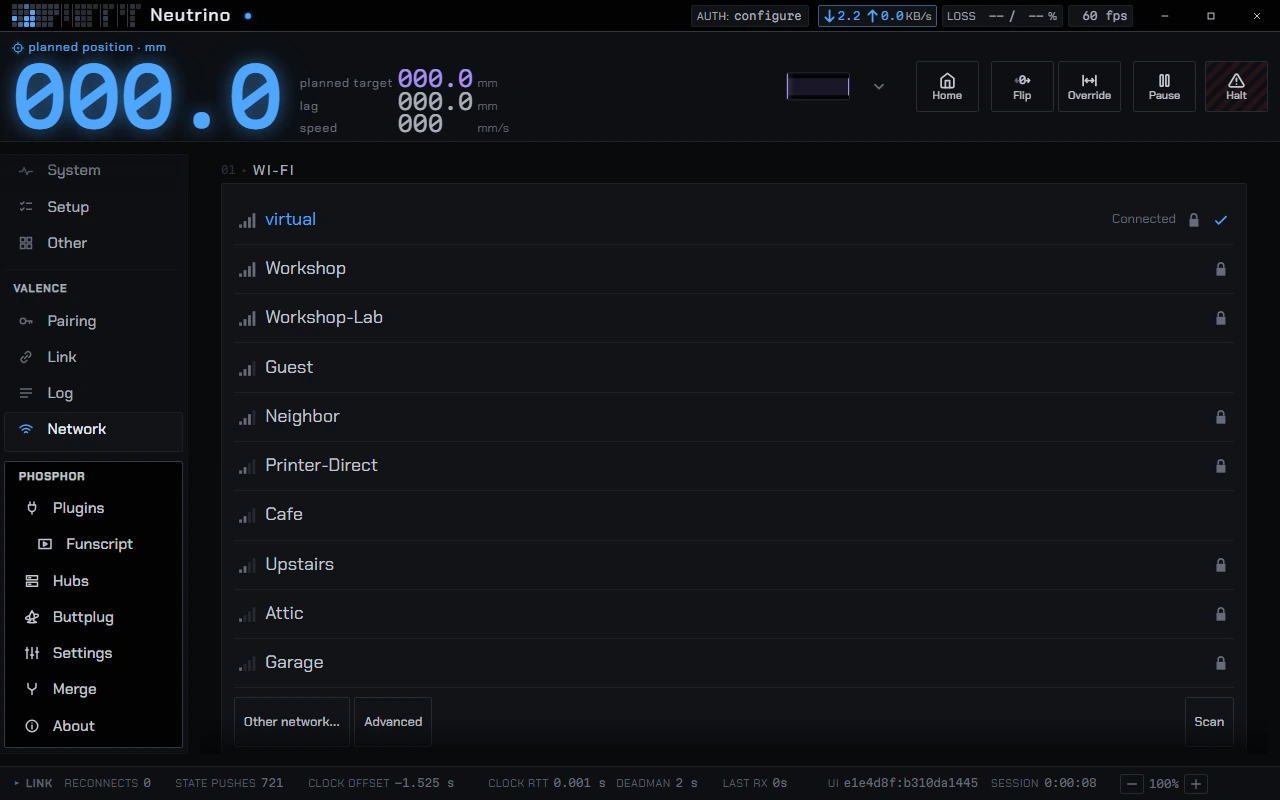
Wi-Fi pickerOne of the five plugins that ship with Phosphor. 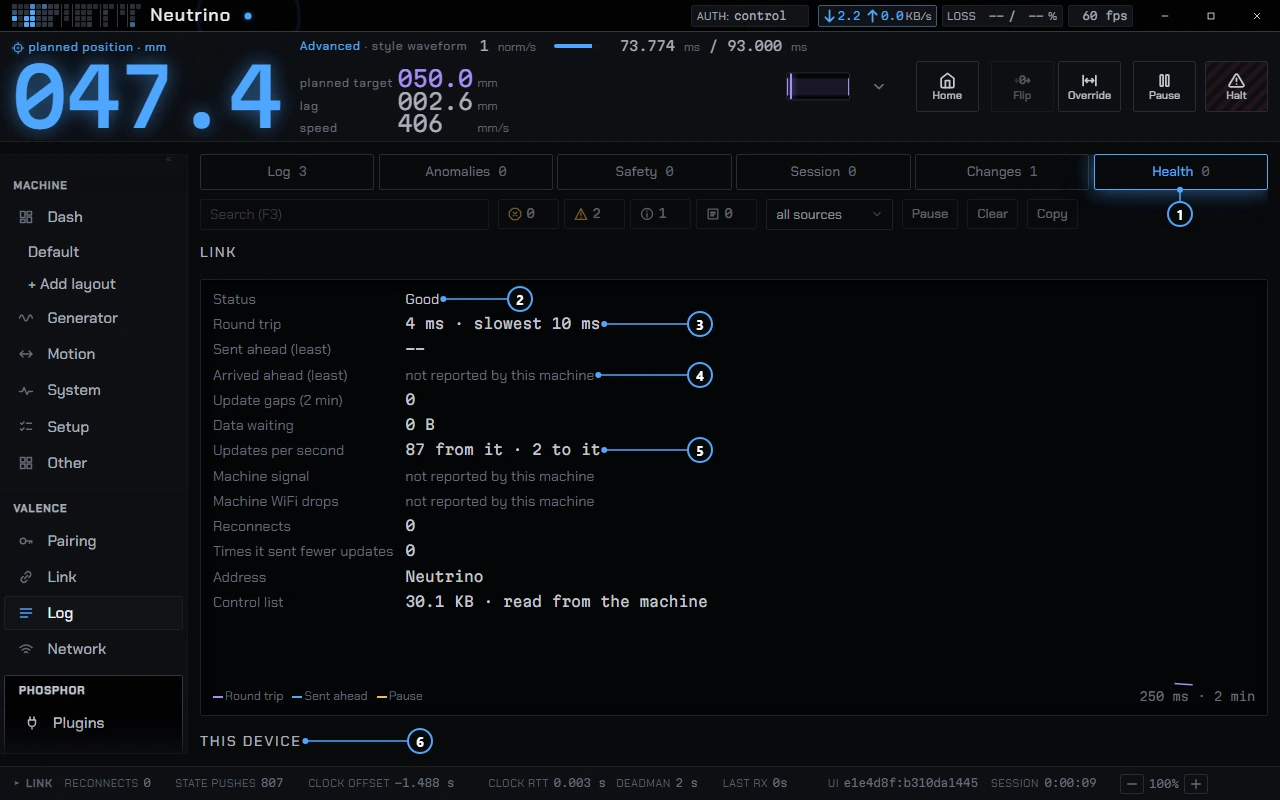
HealthMeasured facts with the number behind them. Troubleshooting 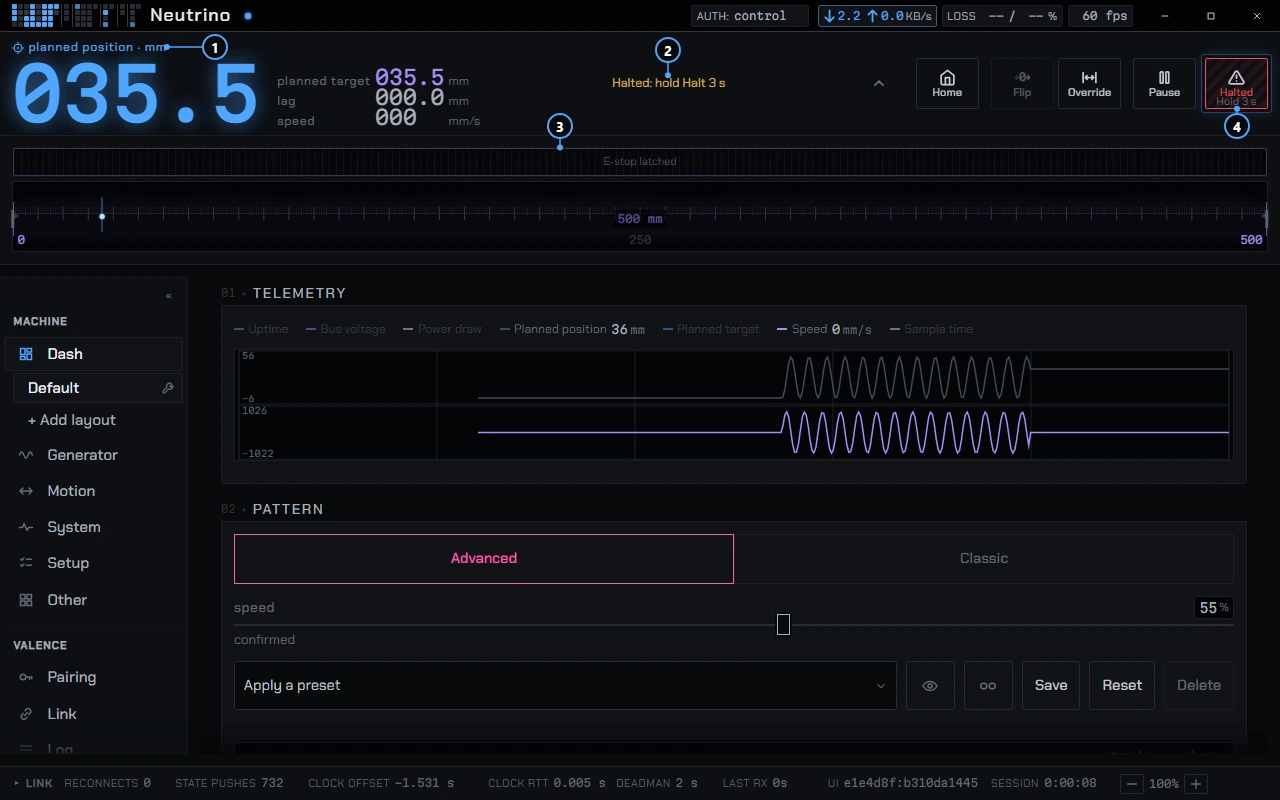
Safety stripE-Stop and Pause, always on top. Connecting 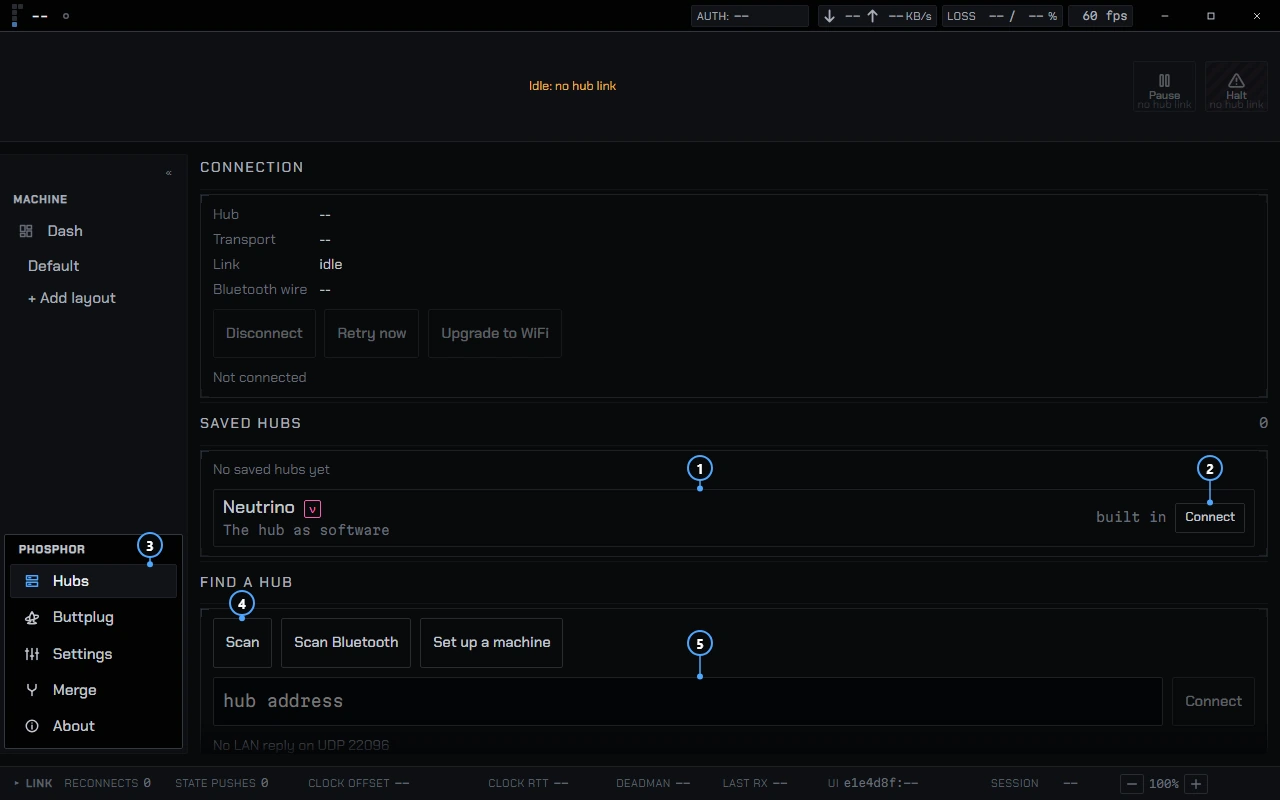
NeutrinoListed with the hubs, so you can try Phosphor without a machine. Getting started


- Pages from the catalog
Every setting the machine declares gets a page, even if you never build a Dash. A setting added in the firmware shows up on the next connect, with no Phosphor update.
- Safety strip
E-Stop and Pause are always in the top strip and can't be hidden. Tapping E-Stop latches it; releasing takes a 3 s hold.
- Buttplug.io support
An embedded Buttplug server, spec v0 to v4, on 127.0.0.1 port 12345. Apps see your machine as one linear device.
- Health and diagnostics
29 conditions in three areas, each a measured fact with one action. No telemetry, no crash reporting.
- Neutrino, the built-in hub
The Nucleus hub firmware compiled to WebAssembly, running inside Phosphor. How it works
More on the safety strip
The top strip always carries E-Stop and Pause, and you cannot remove or hide them. Tapping E-Stop latches it. Releasing takes a 3 s hold. On a machine that does not cut motor power the button reads Halt instead. In the desktop app, an E-Stop press also broadcasts a stop packet to every hub on your network that supports it; that is a setting, on by default.
More on catalog pages
Phosphor's source holds no channel ids or field names from any particular machine, and a build check enforces it.
More on Buttplug.io support
The desktop and Android apps embed a Buttplug server, spec v0 to v4, that listens on 127.0.0.1 at port 12345 by default. Only programs on the same computer can reach it. Apps with Buttplug.io support see your machine as one linear device and can drive it, and the toys it finds over Bluetooth, serial or HID each get their own module on the Dash. If an app stops or disconnects, the machine holds its last target; only the hub's E-Stop latches.
Starting the server on launch is off by default. The Buttplug pane starts and stops it and shows connected apps, devices and a log.
More on health and diagnostics
Phosphor tracks 29 conditions in three areas: Link, This device and Machine. Each line is a measured fact with the number that raised it, such as Memory up 140 MB in 35 min, and one action. When a stream pauses, Phosphor classifies the cause as this device, the network, the machine or unknown, and marks it "likely" when it cannot be sure.
Everything stays on your device. There is no telemetry and no crash reporting. A report is a public GitHub issue that you submit yourself, after a review screen that lists every field in it. Some Machine conditions read "not reported by this machine" until the protocol adds the health data they need WIP.
More on Neutrino
Neutrino is a full hub with patterns, planning and telemetry, but no motor. It appears in the Hubs list as Neutrino, on every platform, with a ν badge; hover the badge for "Virtual machine: real Nucleus firmware, emulated in the app". You can try every page and build a Dash before you own a machine.
A saved hub also offers Sim, which replays the machine's last catalog. Settings you change there can be applied to the real machine later from the Merge pane, ticked row by row.
Platforms
MSIX package, installer and portable zip, x86_64. Code-signed; SmartScreen may still warn while a new release builds download reputation.
A .dmg for Apple silicon. Intel Macs are not built. CI builds are ad-hoc signed and not notarized.
.deb and .AppImage, x86_64.
A bundle built by CI on the GNOME runtime. It is not on Flathub.
A signed APK for arm64, Android 8.0 or later. Sideload it.
The page a hub serves from its own flash. No Bluetooth and no plugins.
The browser page needs no install. Some features reach the app before they reach the browser page.
Phosphor and Valence
Phosphor is a Valence client. The hub holds the machine's state, Phosphor sends intents, and the hub clamps them and echoes what it applied. See the diagrams for the whole picture and the Valence docs for the protocol.
Documentation
Getting started
Install, first launch, Neutrino.
guideConnecting
Discovery, Bluetooth setup, access tiers, pairing, E-Stop.
guideFunscript player
Video, script, scale and the timeline.
guideNode editor
Wire fields and math into chains.
guidePlugins
Install, enable and check what they ask for.
guideTroubleshooting
Health, the log, and reporting a problem.
guide
Plugin contract on GitHub, the full reference · Repo · Downloads · Apache-2.0, except the Advanced pattern plugin, which stays CERN-OHL-S-2.0